Wondering how your phone knows where you are looking in VR? The phone gyroscope sensor reports rotation as you turn your head, and the phone’s software hands that motion data to the app. Here is how that path works.
If you are still choosing a handset, our guide to the best smartphones for vr puts sensors in the wider context of picking a phone.
| Item | Value |
|---|---|
| How apps reach sensors on Android | Through the Sensors SDK API |
| Example accelerometer request rate in Android’s docs | 100Hz |
| Example allowed reporting latency in Android’s docs | 1-second |
| Direction of control | From applications down to the sensors |
| Direction of data | From the sensors up to applications |
These figures come from Android’s sensor stack documentation. The values are examples from the docs and documentation can change, so check the source before you rely on them.
What a gyroscope does when your phone sits in a headset
A gyroscope is a motion sensor that reports how fast your phone is rotating. When you turn your head with the phone in a headset, the phone turns with it, and a VR app uses that rotation to swing the virtual view the same way.
It is one sensor among several. Android’s documentation groups sensors into motion, position and environment categories, as the motion sensors guide shows in its navigation. The gyroscope belongs with the motion group, alongside the accelerometer that the docs use in their examples.
The same documentation notes that most Android-powered devices have built-in sensors. Whether a particular phone has a gyroscope is a separate question, and you can check it yourself (see the section on testing below).
How motion data travels from the sensor to the app
Android describes a layered sensor stack. Each component talks only to the one directly above and below it, although some sensors can bypass the sensor hub when one is present.
Control flows from the applications down to the sensors, and data flows from the sensors back up to the applications. For a VR app, that means the app asks for motion readings and the phone keeps feeding them upward while you look around.
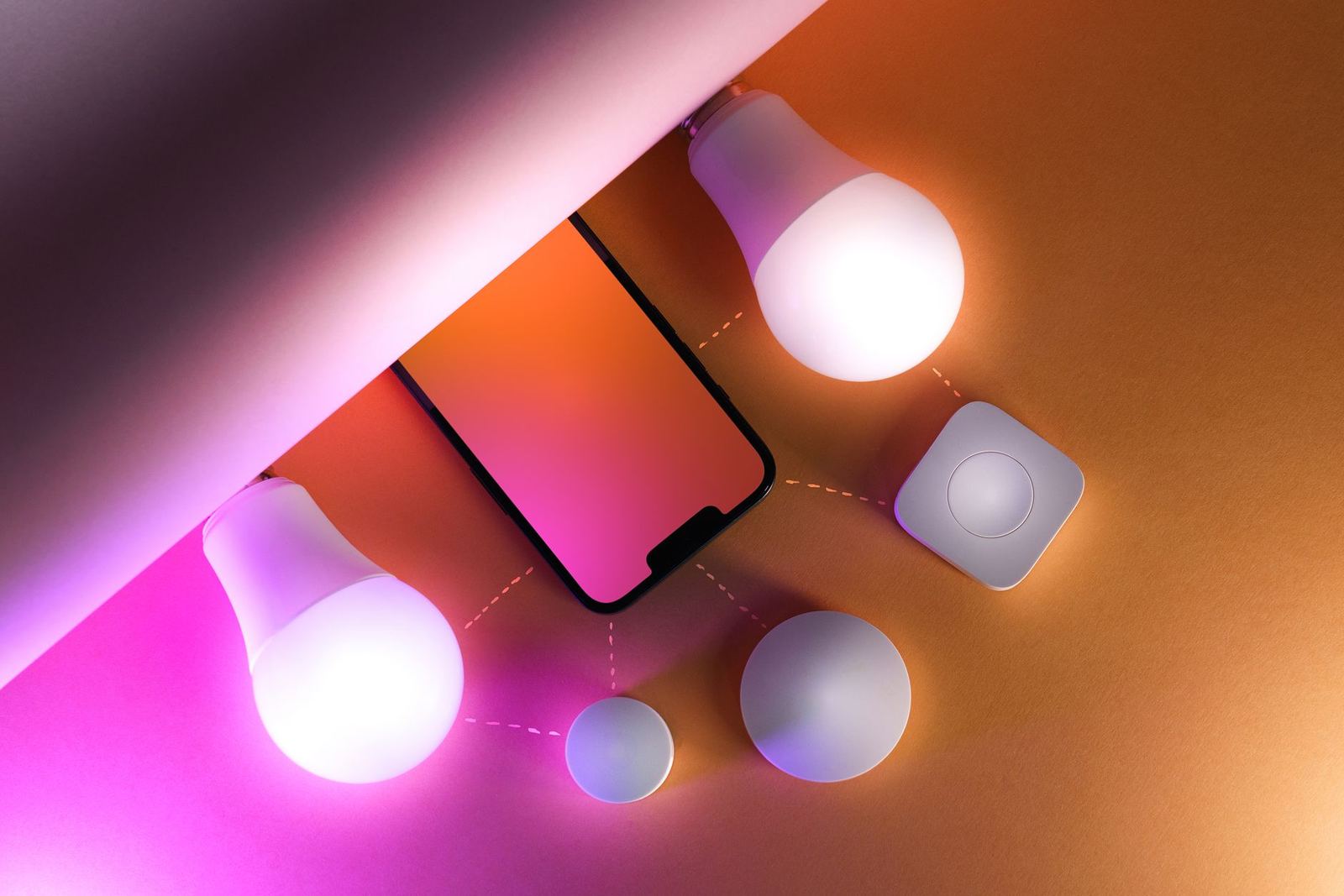
From the app’s side, the steps look like this:
- The app uses the Sensors SDK API to list the sensors the phone offers.
- It registers to the sensor it wants, such as a motion sensor.
- When registering, it states its preferred sampling frequency and its latency requirements.
- The phone then delivers sensor events up the stack to the app.
Why sampling rate and latency matter for head tracking
When an app registers, it chooses a sampling frequency and says how much delay it can accept. Android’s own example has an app registering to the default accelerometer, requesting events at 100Hz and allowing events to be reported with a 1-second latency.
That example suits a task where a slow delay is harmless. It is not a VR setting. A headset app wants readings to arrive quickly, because a view that lags behind your head feels wrong.
The point for you as a buyer or user is simple: the hardware sensor is only half the story. How the app asks for data, and how quickly the phone delivers it, shapes how natural head tracking feels.
Where the sensor hub fits in
The docs mention a sensor hub that sits between the sensors and the rest of the system when a phone has one. Some sensors can bypass it, so the exact route depends on the device.
You cannot see this layer from the outside, and it is not a spec that appears on a box. What you can do is judge a phone by how it behaves with a VR app, which is where testing comes in.
How can you check your own phone?
Start with whether the phone has the sensors VR needs at all. Our guide on does my phone support vr walks through that first check, so read it before you buy a headset.
Then look at what the sensors feed. Head tracking is only part of the picture, because the view you see depends on the screen too, and the guide to the best screen resolution for vr phone covers that side.
A practical way to test the motion side:
- Open any sensor-listing app from your app store and see whether a gyroscope appears.
- Watch whether the gyroscope readings change smoothly as you turn the phone.
- Try a free VR demo and notice whether the view follows your head without lag or sudden jumps.
What the gyroscope cannot do alone
Android lists position sensors as a separate category from motion sensors, which hints that turning and location are different jobs. A gyroscope tells an app about rotation, so it suits looking around rather than walking across a room.
The open source docs also list a “Head tracker HID protocol” page under Sensors. This guide does not describe how that protocol works, because the supplied source text gives only the page title.
Frequently asked questions
Is the gyroscope the same as the accelerometer?
Show answer
No. They are separate motion sensors. Android’s docs use the accelerometer in their example, while the gyroscope is the sensor that reports how fast the phone is rotating.
Do all phones have a gyroscope?
Show answer
The Android sensors overview says most Android-powered devices have built-in sensors, but it does not say every phone has a gyroscope. Check your own handset with a sensor-listing app.
How do VR apps read the gyroscope?
Show answer
They use the Sensors SDK API to list sensors, register to one, and state a preferred sampling frequency and latency requirements. Data then flows up from the sensor to the app.
Can I change how fast my phone reports motion?
Show answer
The app makes that request when it registers to the sensor, not you. As a user, your best option is to try a VR demo and judge how responsive head tracking feels.