Wondering how to watch 360 videos on phone? Open the YouTube app, play a 360 video and move your phone around to look in every direction. No headset is needed, though a Cardboard viewer works too.
This page sits inside the wider topic of smartphone virtual reality, which covers phone-based VR more broadly.
| Item | Value |
|---|---|
| 360 video uploads announced on YouTube | March 13, 2015 |
| Android viewing method | Move the phone or tablet around |
| Desktop viewing method | Drag the view with the mouse in Chrome |
| Demo video quality | Up to 4k |
| Android versions that loaded 360 mode | Jelly Bean, KitKat and Lollipop |
These figures come from the YouTube launch post and an Android Police report from March 2015, so they describe the launch, not today’s apps. Figures can change: check the source and your app’s current help pages before you rely on them.
How 360 video works on your phone
A 360 video captures every direction at once, so your screen acts as a window onto a sphere. Android Police described the first 360-degree videos as “essentially moving Photospheres”.
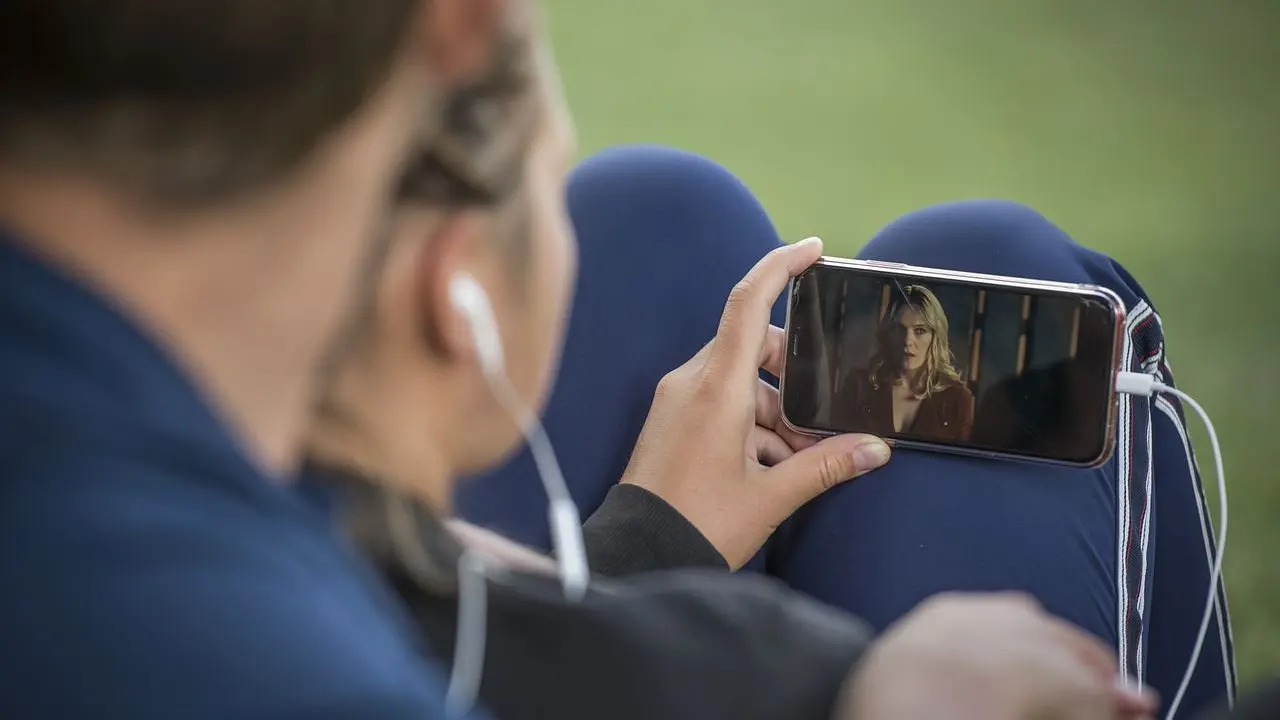
When YouTube began supporting 360-degree uploads in March 2015, it explained that people could watch on the YouTube app for Android and see different angles by moving the phone or tablet around while the video plays. The same post said desktop viewers could drag the point of view with a mouse in Chrome, and that iPhone and iPad support was still on the way at that time, as the YouTube blog put it.
The first demo videos came from names such as Red Bull and the TomorrowWorld music festival, and their quality went up to 4k, according to Android Police. The same report said the app only loaded 360 mode on Jelly Bean, KitKat or Lollipop, which covered most Android phones at the time.
Watch a 360 video in the YouTube app
The YouTube app is the most reliable place to start, because Google’s help page says to make sure you are watching in the app and not in a mobile browser. Follow these steps:
- Update the YouTube app to the latest version and keep your phone’s operating system up to date.
- Choose a video that was uploaded as a 360-degree video.
- Tap play and hold your phone in front of you.
- Move the phone slowly left, right, up and down to look around the scene.
If the video looks flat, find your app version by opening the app, tapping menu, then Settings, and looking under “About” for the number next to Version. That path comes from Google’s Spotlight Stories help page.
Interactive 360 stories on your phone
Google’s Spotlight Stories are 360-degree stories made for mobile and VR, where the sensors in your phone let you unlock mini-stories by pointing the phone at different scenes. Google’s help page says to watch them in the YouTube app on select Android devices or in the Google Spotlight Stories app on iOS.
To find them in the YouTube app, the same page gives these steps:
- Search for “Google Spotlight Stories”.
- Tap the search filter and change “Content Type” from All to Channel.
- Open the Google Spotlight Stories channel, pick a video and tap play.
On a phone that is not optimized for the program, you see a trimmed-down YouTube 360 preview instead of the fully interactive version. The page also says these stories need a fast connection, such as WiFi or LTE. Its supported-device list is dated, so check that your phone still works with the app.
Using a Cardboard viewer
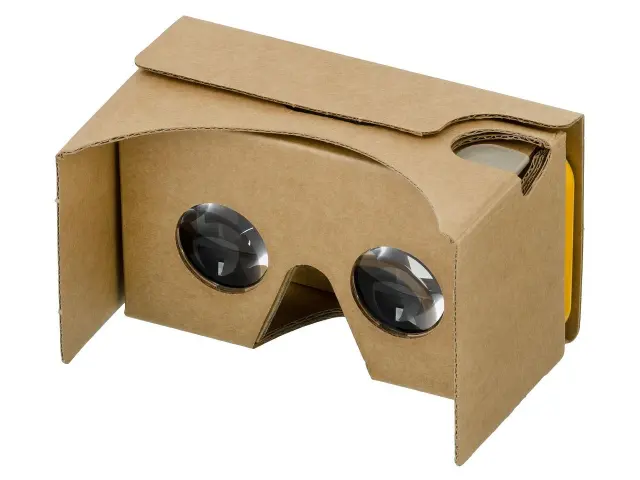
Google’s help page says all Spotlight Stories are compatible with Cardboard. To switch, touch the screen and then select the icon in the bottom right.
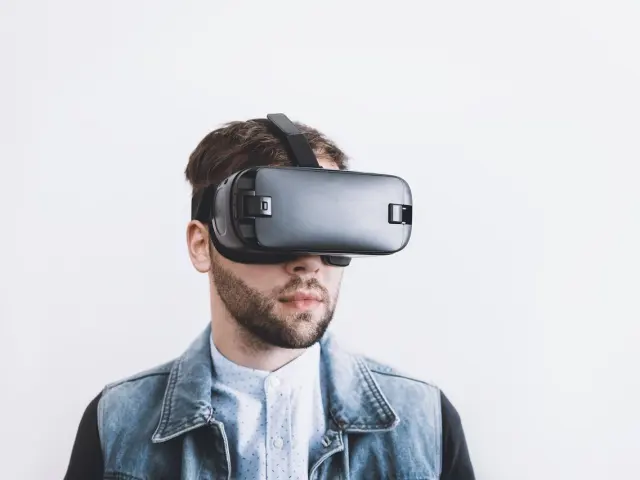
A viewer turns the phone into a basic headset, and that is where phone-based VR differs from a dedicated device. If you are weighing the two, this comparison of mobile vr vs standalone vr sets out the trade-offs.
Feeling unwell during a session is a separate topic, covered in this guide to vr motion sickness.
Fixing common playback problems
Most playback problems have a short fix. These come from Google’s help page:
- No 360 view in your mobile browser: switch to the YouTube app.
- No 360 world, or distorted video: install the latest version of the YouTube mobile app.
- Endless loading or a crash: close the app, reopen it and try again, then restart your device if the issue continues.
- Black loading screen or frozen picture with sound: minimize the show, swipe the thumbnail away and load the video again.
- “Please check your network connection”: make sure your internet connection is on and working, then retry.
If none of that helps, try another video before you blame your phone, because the help page lists loading and playback problems as separate issues.
Can you film your own 360 videos?
Yes, but you need a spherical camera, because a normal phone video will not upload as a 360-degree video. YouTube’s launch post named Bublcam, Giroptic’s 360cam, IC Real Tech’s Allie, Kodak’s SP360 and RICOH THETA as compatible cameras that were available or coming soon in March 2015.
Android Police said these cameras are not cheap. The YouTube post also described a script that adds the right metadata to the file, which it hoped to automate. Read the original post for that context, and check YouTube’s current upload help before you film.
Frequently asked questions
Do I need a VR headset to watch 360 videos on my phone?
Show answer
No. YouTube’s March 2015 post described watching by moving the phone or tablet around, and Google’s help page lists a Cardboard viewer as an option for Spotlight Stories.
Can I watch 360 videos on an iPhone?
Show answer
In March 2015 YouTube said it was working to bring 360 viewing to iPhone and iPad soon. Google’s Spotlight Stories help page pointed iOS users to the Google Spotlight Stories app. Check the App Store and YouTube help for the present situation.
Why does the video not look 360 in my browser?
Show answer
Google’s help page says to make sure you are watching in the YouTube app on your mobile device, not in a mobile browser.
How do I check my YouTube app version?
Show answer
Open the YouTube mobile app, tap menu, tap Settings, and look under “About” for the number next to Version.