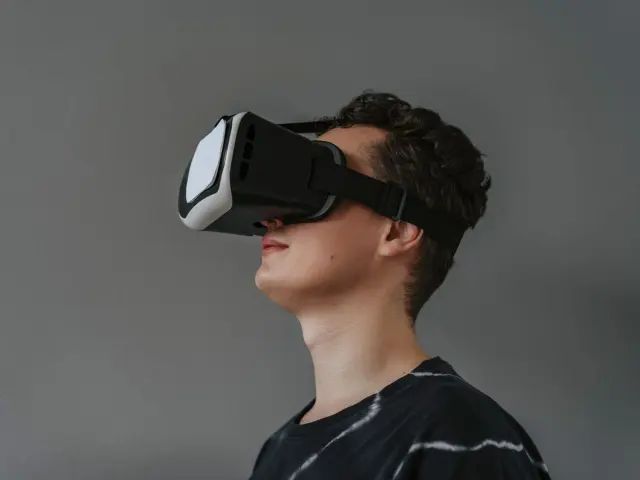
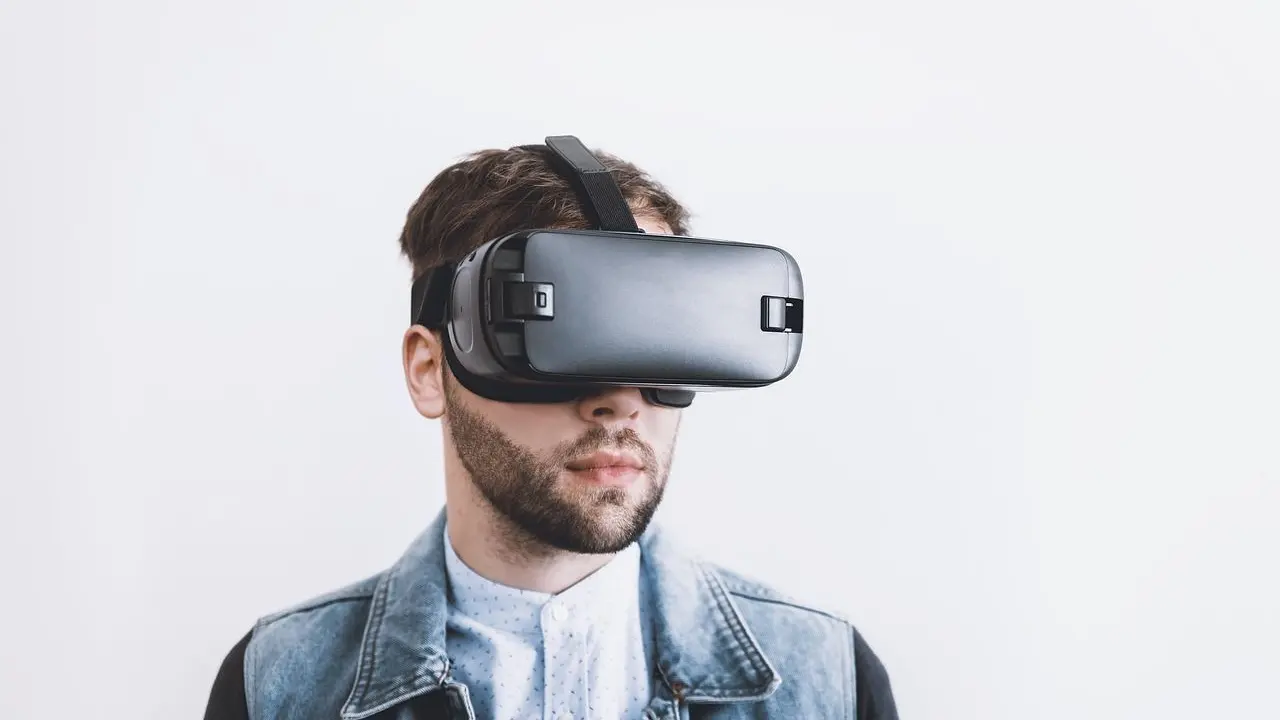
You don’t want to buy a viewer your phone can’t use. How to choose a phone VR headset comes down to screen size, a gyroscope, and a button that works on your phone.
This guide is part of a wider look at vr gadgets for smartphones, so it covers the viewer you slot a phone into, not standalone headsets.
| Item | Value |
|---|---|
| Largest screen, first Cardboard design | Up to 5.7 inches (140 mm) |
| Largest screen, updated Cardboard design | Up to 6 inches (150 mm) |
| Screen to lens distance, official viewer profile | 39.3 mm |
| Inter-lens distance, official viewer profile | 63.9 mm |
These figures come from Wikipedia’s Google Cardboard entry and Google’s Cardboard manufacturer help. They can change, so check the source before you rely on them.
Start with your phone: size, sensors and software
A phone VR headset is a holder with lenses, and your phone does the real work. So the first question is whether your phone fits. Wikipedia’s Google Cardboard entry says the first version could fit screens up to 5.7 inches (140 mm), while an updated design works with phones up to 6 inches (150 mm).
Next comes the sensor. Google’s developer page for Cardboard says that if you see a device incompatible message, you may not have a gyroscope. The same page lists support for Android 4.1 or higher and iOS 8.0 or higher, and adds that not all viewers work with every phone.
Before you look at any headset, check these on your own phone:
- Screen size against the maximum the seller lists
- Whether your phone has a gyroscope
- Whether your phone’s operating system meets the app requirements
- Whether the viewer’s button type suits your phone
What do the official Cardboard dimensions tell you?
Google publishes the parameters of its Cardboard-inspired viewer. In Google’s viewer profile overview, the screen to lens distance is 39.3 mm and the inter-lens distance is 63.9 mm. The primary button type is listed as indirect touch.
These numbers matter because apps use them to draw the image correctly for your eyes. The same page explains that a viewer profile lets the phone scan a QR code and optimise Cardboard-compatible apps for that particular viewer.
There is a catch. Google notes that its parameters apply only to official Cardboard inspired viewers, and a viewer with different lenses or a different enclosure needs a new profile. If a headset looks different from the classic design, look for one that supplies a matching profile.
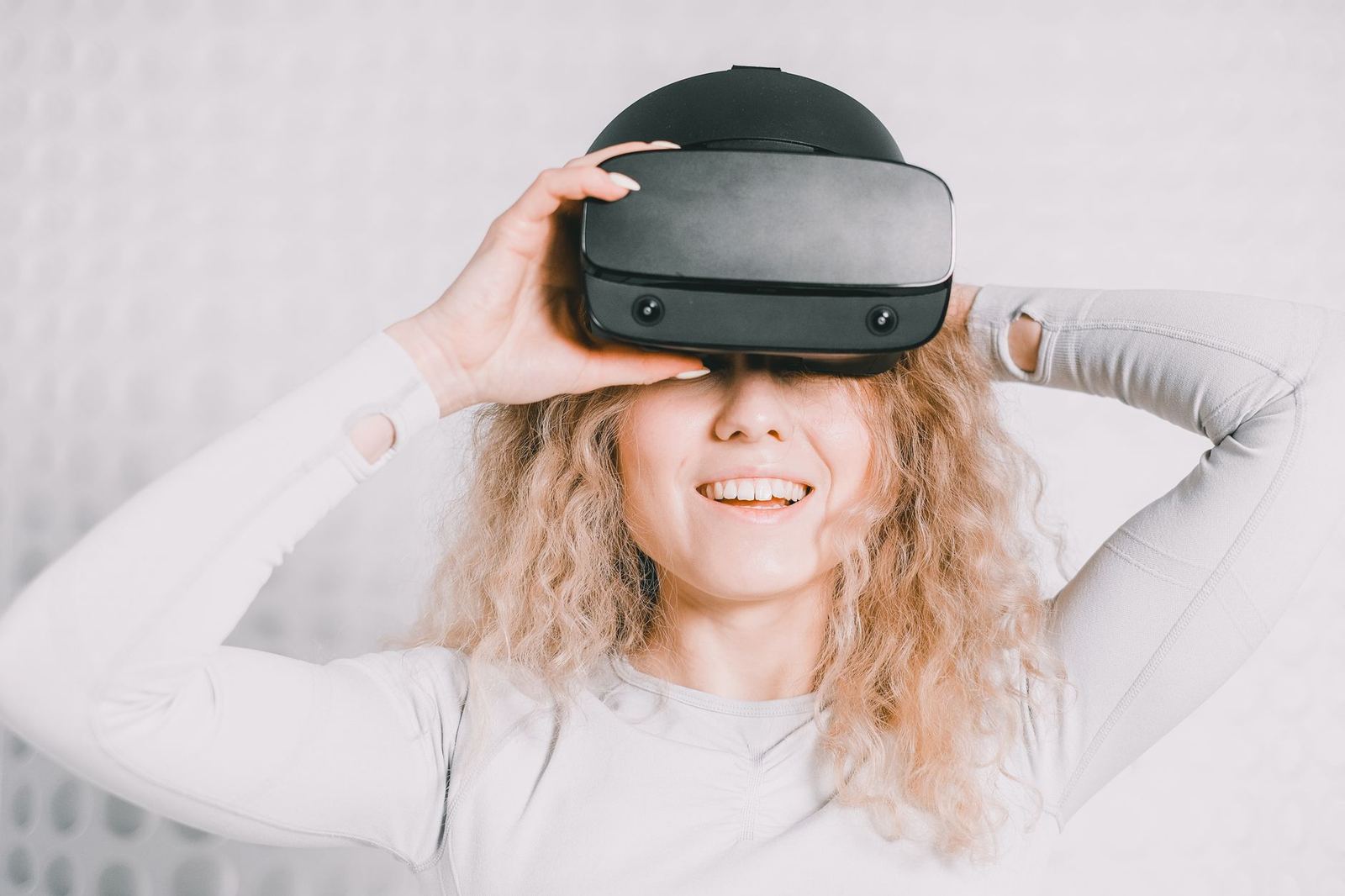
Lenses and build quality: what to check
Lenses decide how sharp and comfortable the image feels. In its quality-control tolerances for manufacturers, Google specifies the distance between lens-holder centres as 64 mm, with a tolerance of +/-0.5 mm. It gives the lens diameter without tabs as 34.0 +/- 0.1 mm.
You won’t have calipers in a shop, and cheap viewers rarely publish such numbers. The useful lesson is that consistency counts: lenses should be evenly spaced, clean and free of flaws. Wikipedia lists 45 mm focal length lenses among the basic Cardboard parts and notes that pre-assembled kits are available for less than US$5.
Google’s manufacturer guidance describes checks you can copy at home, as set out in its tolerance guide:
- Slide a lens over a high-contrast straight line and look for wavy distortion
- Look for glue, debris or cardboard chips on the lenses
- Check that the lens cutouts line up and the lens tabs are not visible
- Look for exposed glue or tape along the edges
If you want to go deeper on optics, read our guide to vr headset lens types.
Buttons and input: touch lever or magnet?
Input is where older designs often fail. According to Wikipedia, the first Cardboard used magnets as buttons, which required a compass sensor in the phone. The updated design replaced the magnet with a conductive lever that triggers a touch event on the screen, for better compatibility across devices.
That makes a touch-based lever the safer choice if you are unsure about your phone’s sensors. Whatever the type, Google’s tolerance guide says the button should be easily pushed down and should spring back after release.
If a single button feels limiting, a bluetooth controller for phone vr is one way to add more input.
Is Cardboard still sold, and what about app support?
Status changes, so dates matter. Wikipedia’s entry says Google announced in November 2019 that it would open-source the platform’s SDK, and that the Google Store stopped selling Cardboard viewers in March 2021. As of its November 2021 note, third-party companies continued to sell compatible viewers.
On the developer side, Google’s Cardboard overview, last updated 2024-10-09, tells developers to use the open source Cardboard SDKs for iOS, Android NDK and Unity XR Plugin. For you, that means third-party sellers are the main source, so verify each seller’s claims about phone support yourself.
A short checklist before you buy
- Confirm your phone’s screen fits the listed maximum size.
- Confirm your phone has a gyroscope and a supported operating system.
- Prefer a touch-based button unless you know your phone has a compass sensor.
- Look for a QR viewer profile if the design differs from the classic one.
- Inspect the lenses for flaws and debris when the headset arrives.
- Test the button: it should press easily and spring back.
Frequently asked questions
Do I need a gyroscope in my phone?
Show answer
Yes, in practice. Google’s Cardboard overview says a device incompatible message may mean your phone has no gyroscope, because the platform uses phone sensors to track head movement.
Will a large phone fit?
Show answer
It depends on the viewer. Wikipedia gives limits of 5.7 inches for the first Cardboard design and 6 inches for the updated one, so check the maximum your seller lists.
Does a cheap viewer work as well as a pricier one?
Show answer
Price alone doesn’t tell you. Wikipedia notes pre-assembled kits for less than US$5, so judge a viewer by phone fit, lens quality and button reliability.
Will the button work on every phone?
Show answer
Not always. A magnet button needs a compass sensor, while a conductive lever that triggers a touch event gives better compatibility, according to Wikipedia.