Squinting through foggy lenses or feeling frames dig into your nose? The best vr headset for glasses wearers has room for your frames, a spacer, and an adjustable fit. Here is how to choose and set one up.
For the wider hardware picture, see our guide to vr gadgets for smartphones.
| Item | Value |
|---|---|
| Suggested maximum frame width | 142 mm |
| Suggested maximum frame height | 50 mm |
| Headsets with built-in spacers (DeoVR guide, January 2025) | Meta Quest 3 and 3S, Pico 4, HTC Vive Pro |
| Quick fixes in the DeoVR guide | 6 |
| Eye-rest rule | Every 20 minutes, look 20 feet away for at least 20 seconds |
These figures come from the Eyebuydirect guide (February 2025) and the DeoVR guide (January 2025). Figures can change, so check the source before you rely on them.
What makes a headset comfortable with glasses?
You can wear glasses under a headset, but it may be uncomfortable with a larger frame or a poorly fitted headset, according to Eyebuydirect’s February 2025 guide. That guide says compatibility comes down to comfort, space, clarity and ease of use. In practice, three things matter most:
- Room inside the headset for your frames.
- A spacer between your glasses and the headset lenses.
- Straps and padding you can adjust without forcing anything.
If you cannot get a good fit, the Eyebuydirect guide lists other routes. You can pick a roomier headset, switch to smaller frames, or go without glasses if you do not rely on vision correction for close distances.
Never force the pairing. The same guide warns that pushing glasses and headset together can cause discomfort, extra wear and possible damage to both.
Which headsets do users say suit glasses?
As of Eyebuydirect’s February 2025 guide, these headsets were said to be most compatible with glasses:
- PlayStation VR models
- Oculus Rift S
- Meta Quest 2
- The HP Reverb line
- Varjo headsets
The same guide called the original HTC Vive, including its deluxe audio strap, and the Oculus CV1 Rift among the least compatible. It adds that your experience may be better or worse than other users’ reports.
Built-in spacers help too. DeoVR’s January 2025 guide names Meta Quest 3 and 3S, Pico 4 and HTC Vive Pro as headsets that include them.
If you would rather build your own viewer, our guide to a diy cardboard vr headset covers that route.
Spacers, inserts and frames that help
DeoVR’s guide lists six fixes for glasses wearers. The first three are the ones that change fit most:
- Glasses spacers. They clip into the headset and add space between your glasses and the headset lenses. DeoVR says they prevent lens contact, reduce pressure and improve airflow to help with fogging.
- Prescription lens inserts. They snap directly into the headset. DeoVR names VR Optician, WidmoVR, Bose and Pimax as brands offering inserts compatible with most headsets, including Meta Quest and Valve Index.
- Different frames. DeoVR suggests thin, lightweight frames that fit inside the headset, with bendable arms.
On frame size, Eyebuydirect says experts recommend frames no wider than 142 millimeters and no taller than 50 millimeters. If sizing is still a struggle, it suggests asking an optician, who may let you bring the headset in to try different frames.
How to put a headset on over your glasses
The order you follow matters. Eyebuydirect gives this sequence for a standard headset:
- Put on your glasses first.
- Place the front of the headset over them, as you would swimming goggles.
- Secure the rear portion at the back of your head.
- Tighten the straps until they feel snug.
- Nudge your glasses forward or sideways for more room.
- Check that your ears and head feel snug but not squeezed.
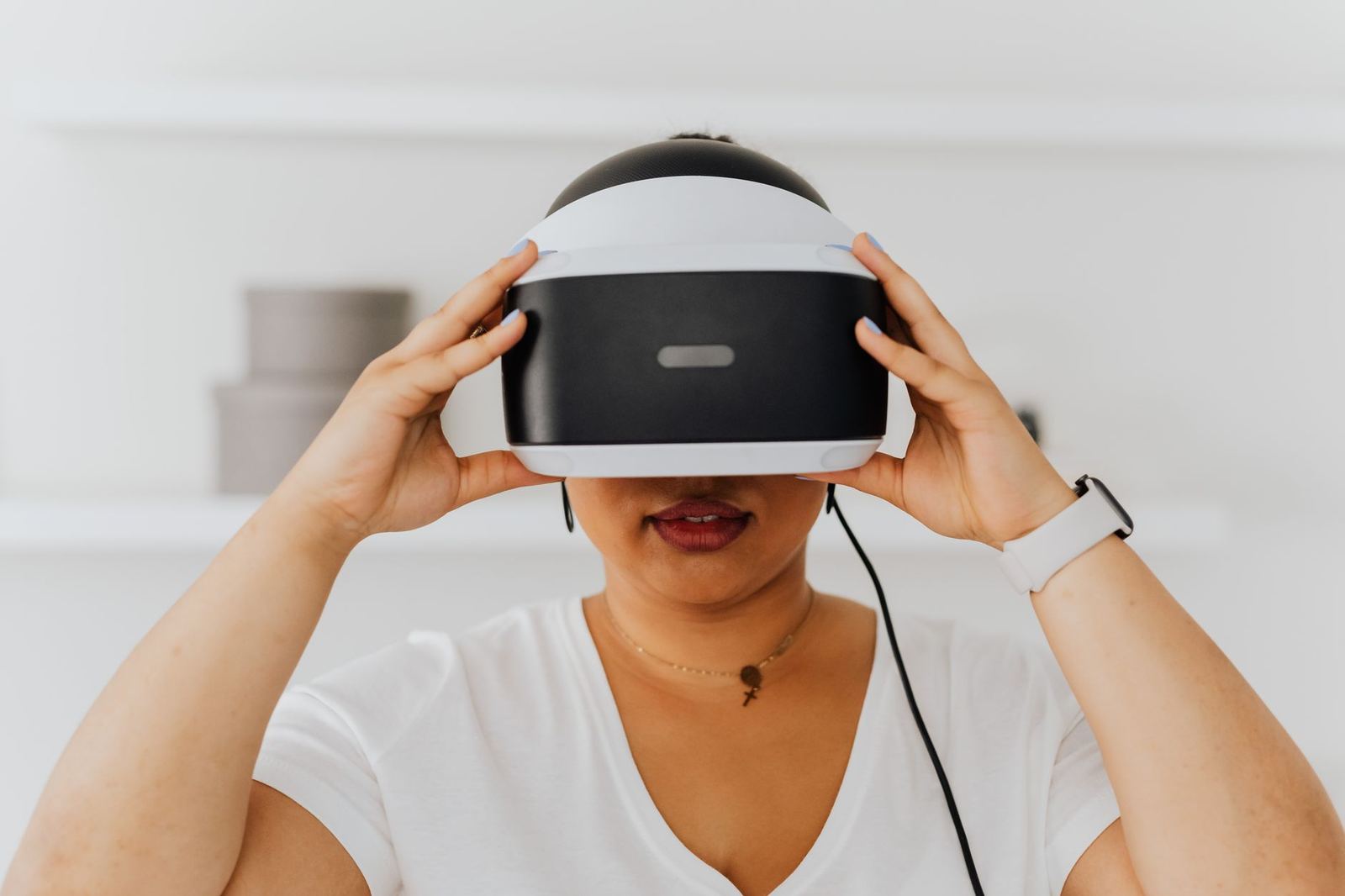
Headsets with a halo or headband, such as the Oculus Rift S or PSVR, may be easier to put on the opposite way. Wear your glasses, put the headset on like a hat, then slide or flip it down over your glasses.
Fixing fog, pressure and eye strain
Eyebuydirect says many users report eye strain, motion sickness or dizziness, dry eyes, headaches and foggy lenses from sweat. If symptoms persist, it suggests talking to your eye doctor, who may recommend a VR-specific prescription.
For fog, DeoVR points to trapped heat and moisture inside the headset, especially during active games such as Beat Saber. Its advice is to use anti-fog sprays or wipes made for glasses before you put the headset on, and to loosen the headset slightly or cool the room.
For pressure, Eyebuydirect suggests a cushioned faceplate to ease marks on your face. DeoVR adds that third-party foam or gel covers are usually cheap.
Clean glasses and clean lenses give a clearer picture, so see our guide on how to clean vr headset lenses for safe wiping.
Finally, rest your eyes. DeoVR recommends the 20-20-20 rule: every 20 minutes, look at something 20 feet away for at least 20 seconds.
Frequently asked questions
Can you wear glasses with a VR headset?
Show answer
Yes. Eyebuydirect’s February 2025 guide says you can wear glasses under a headset, though larger frames or a poor fit can make it uncomfortable.
What frame size fits best?
Show answer
Slim frames fit most easily. The guide’s suggested ceiling is 142 millimeters wide by 50 millimeters tall, but headset designs vary, so treat that as a starting point.
Do glasses spacers stop scratches?
Show answer
DeoVR’s January 2025 guide says spacers prevent contact between lenses, which avoids scratches on both your glasses and the headset.
Are lens inserts better than wearing glasses?
Show answer
Inserts remove the need to wear glasses in VR and protect both sets of lenses from scratches, according to DeoVR. Brands it names include VR Optician, WidmoVR, Bose and Pimax.