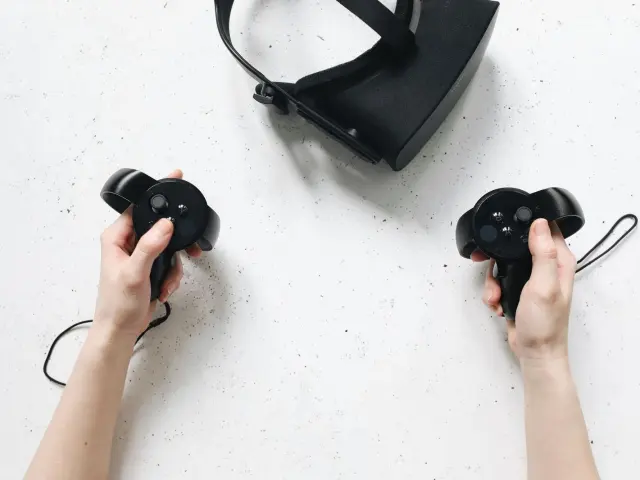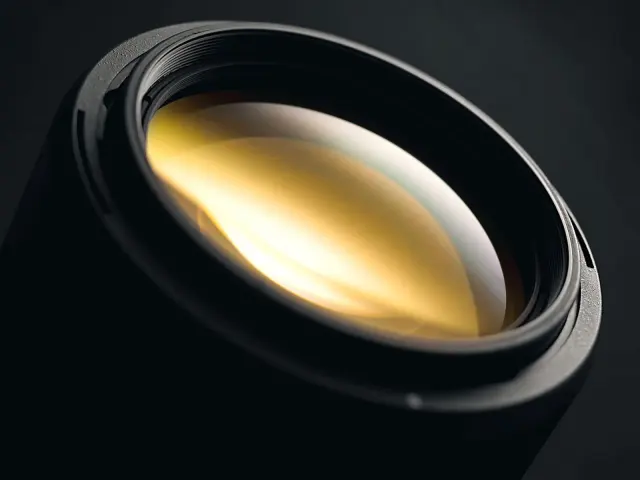
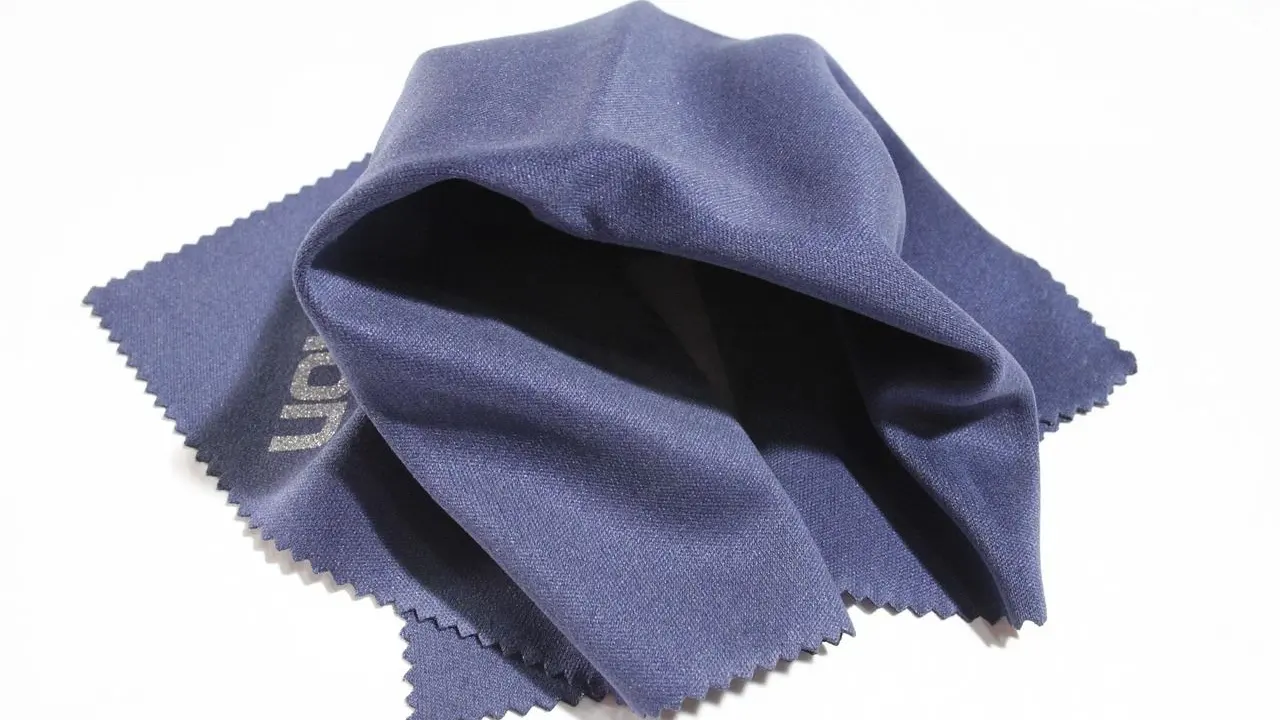
Worried about scratching your lenses? Here is how to clean vr headset lenses: use only a clean, dry microfiber cloth made for lenses, and keep water, tissues and wipes away from them.
If you are still choosing gear, our guide to vr gadgets for smartphones covers the wider picture.
| Item | Value |
|---|---|
| Cloth for lenses | Soft, dry, made specifically for cleaning lenses |
| Water on Fresnel lenses | Even a little can damage them permanently |
| Paper towels and tissues | Not for lenses, unless made for cleaning lenses |
| Light shield protrusions on the PS VR2 headset | 14 |
| Light shield cleaning method | Water, then a dry cloth, then air drying |
These figures come from PlayStation’s PS VR2 cleaning page and Android Central’s PSVR 2 cleaning guide. Support pages can change, so check the source before you rely on them.
Why VR lenses need a gentle touch
A headset sits against your face, so it will gather sweat, finger oils, and grime over time, as Android Central’s guide puts it. The lenses are the part you look through, so every smear shows up in your picture.
That guide, published 27 February 2023, framed careless cleaning as a $550 mistake with delicate Fresnel lenses. The point is simple: the wrong cloth or a splash of liquid can do lasting harm.
Leaving things alone is not safe either. PlayStation’s support page warns that leaving water droplets or dirt on the lenses may cause deterioration or degradation.
The sources here cover the PS VR2 and, for shared use, the Meta Quest 3S named on OSSO VR’s hygiene page. Lenses differ between products, so check your own headset’s manual if it says something different.
What you need before you start
You need very little, but each item matters:
- A clean, dry microfiber cloth made for cleaning lenses.
- A few spare cloths, so you can swap when one gets dirty.
- A headset that is disconnected and powered down, with controllers switched off.
PlayStation says to disconnect the headset from the console and turn off the controller before cleaning. Its page asks for a cloth made specifically for lenses, and Android Central says any microfiber from a trusted retailer should work.
Check that the cloth itself is clean first. The same guide warns that you can end up scratching or dirtying the lenses with whatever gunk the cloth has picked up from your glasses or laptop.
Step by step: wiping the lenses safely
- Disconnect the headset and switch off the controllers.
- Look at your cloth. If it has touched anything gritty or greasy, use a fresh one.
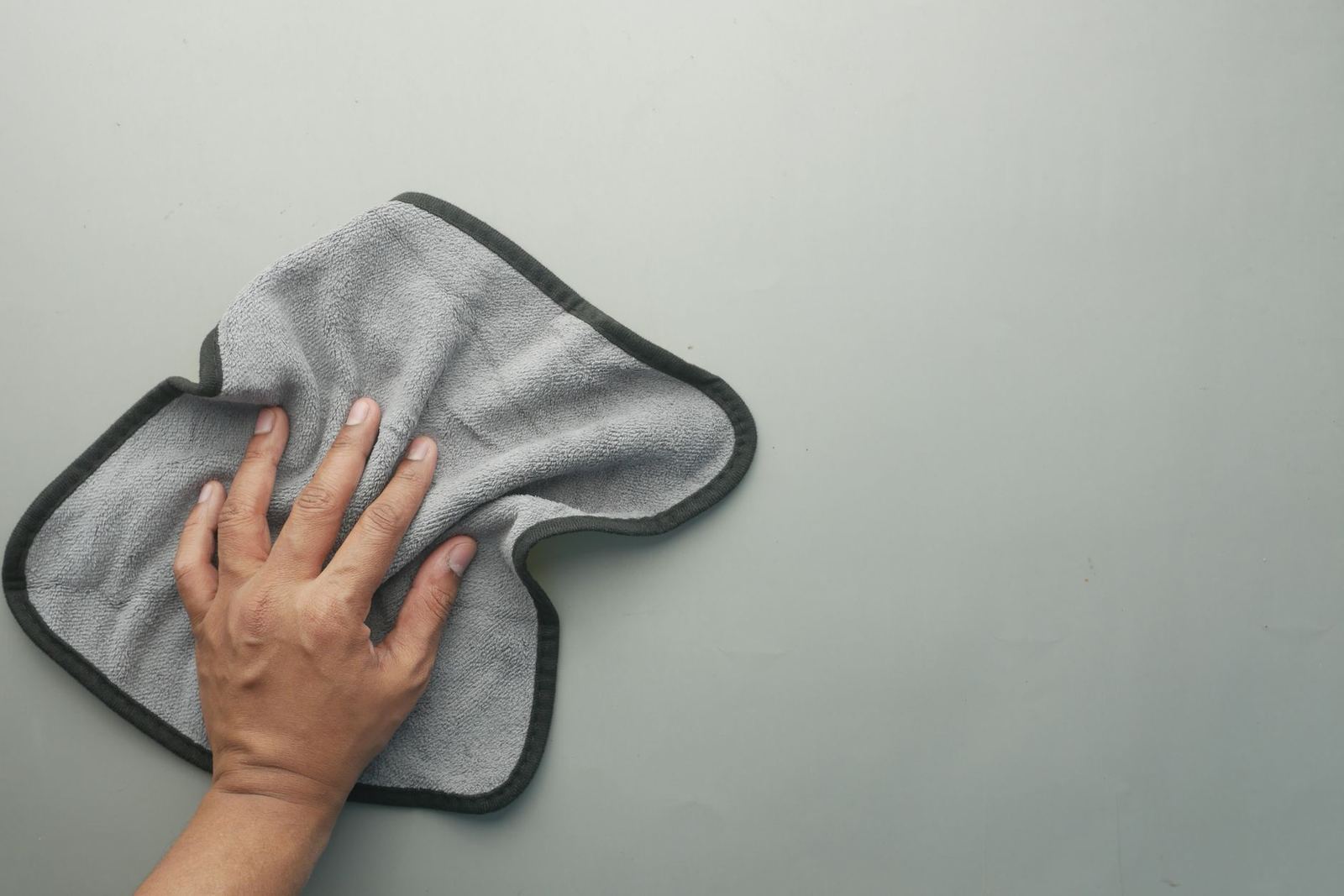
- Wipe the lenses with the soft, dry cloth only. No liquid, no cleaner.
- When the cloth gets dirty, swap it for a clean dry one rather than rubbing the same smear around.
- Let the headset sit in a clean spot until you use it again, and do not leave water droplets on the lenses.
Step four is the frustrating part. As Android Central notes, without liquid a microfiber cloth will just spread the grime around, so the answer is several dry cloths rather than a damp one.
What to keep away from your lenses
Most lens damage comes from one of a few habits:
- Paper towels or tissues. PlayStation says not to use paper products unless they are specifically intended for cleaning lenses.
- Your shirt. Android Central lists it with tissues as something with abrasive edges or lint that can damage the lenses or stick to them.
- Water. The same guide says even a little bit can damage the PS VR2’s Fresnel lenses permanently.
- Wet wipes and chemically treated cloths. PlayStation’s notices say to avoid them, along with thinner, benzine and alcohol.
- Hospital-grade or bleach wipes. OSSO VR’s hygiene page says not to use them on the headset or controllers.
The pattern is consistent across all three sources: dry and soft wins. OSSO VR’s page says lenses should be cleaned only with a dry microfiber cloth, because liquids and wet wipes can damage them.
Cleaning the rest of the headset
Once the lenses are done, the other parts need different care. PlayStation’s page splits them up:
- Headset surfaces, head supports and controllers: wipe with a soft, dry cloth.
- Connectors and ports: a soft, dry cloth as well. Dirty connectors on the headphones can cause noise or interruptions in the sound.
- Vents: remove dust build-up with a handheld vacuum cleaner or a similar product.
- Earpieces: remove them, wash by hand with a mild detergent, and dry completely with a soft cloth before reattaching.
The PS VR2 light shield is the one part you can wash. Remove it carefully, since it may break if you use excessive force, clean it with water, wipe it with a soft, dry cloth and air dry it well in a ventilated place. When you refit it, the 14 protrusions on the headset go into the holes of the shield, and the nose protrusion goes into the groove.
If you swap in your own audio, our guide to headphones for vr may help with the choice. If you wear glasses, the notes on a vr headset for glasses wearers are worth reading, since frames and lenses are a common source of smudges.
Shared headsets and storage
If several people use one headset, hygiene matters more. OSSO VR’s page, written for healthcare training with the Meta Quest 3S, says to wash your hands, wipe hard plastic surfaces with a standard disinfecting wipe, and clean before and after each session.
For the face area, it recommends replaceable silicone covers on shared headsets, removed and cleaned with a disinfecting wipe between users. The lenses still get the dry microfiber cloth only.
Storage is the easy win at home too. The same page says to keep headsets in a cool, dry place away from direct sunlight, and to use protective cases when moving them between sites.
Frequently asked questions
Can I use a little water or lens spray on VR lenses?
Show answer
The sources say no to liquids. Android Central says even a little water can permanently damage the PS VR2’s Fresnel lenses, and OSSO VR says liquids and wet wipes can damage lenses. None of them cover lens sprays, so check your maker’s manual before trying one.
Is a tissue or my shirt good enough in a pinch?
Show answer
No. PlayStation says not to use paper towels or tissues unless they are made for cleaning lenses, and Android Central warns against tissues and shirts because of abrasive edges and lint.
Can I use alcohol on the headset?
Show answer
PlayStation’s notices say not to use thinner, benzine or alcohol on the PS VR2. OSSO VR allows a standard disinfecting wipe on hard plastic surfaces of a shared headset, but not on the lenses.
Why does my dry cloth just smear the lenses?
Show answer
Without liquid, a microfiber cloth tends to spread the grime around, according to Android Central. Swap to a clean dry cloth when the first one gets dirty instead of reaching for water.
How often should I clean my lenses?
Show answer
The sources give no home schedule for lenses. For shared headsets, OSSO VR recommends cleaning before and after each session, and PlayStation warns that dirt or droplets left on the lenses may cause deterioration.