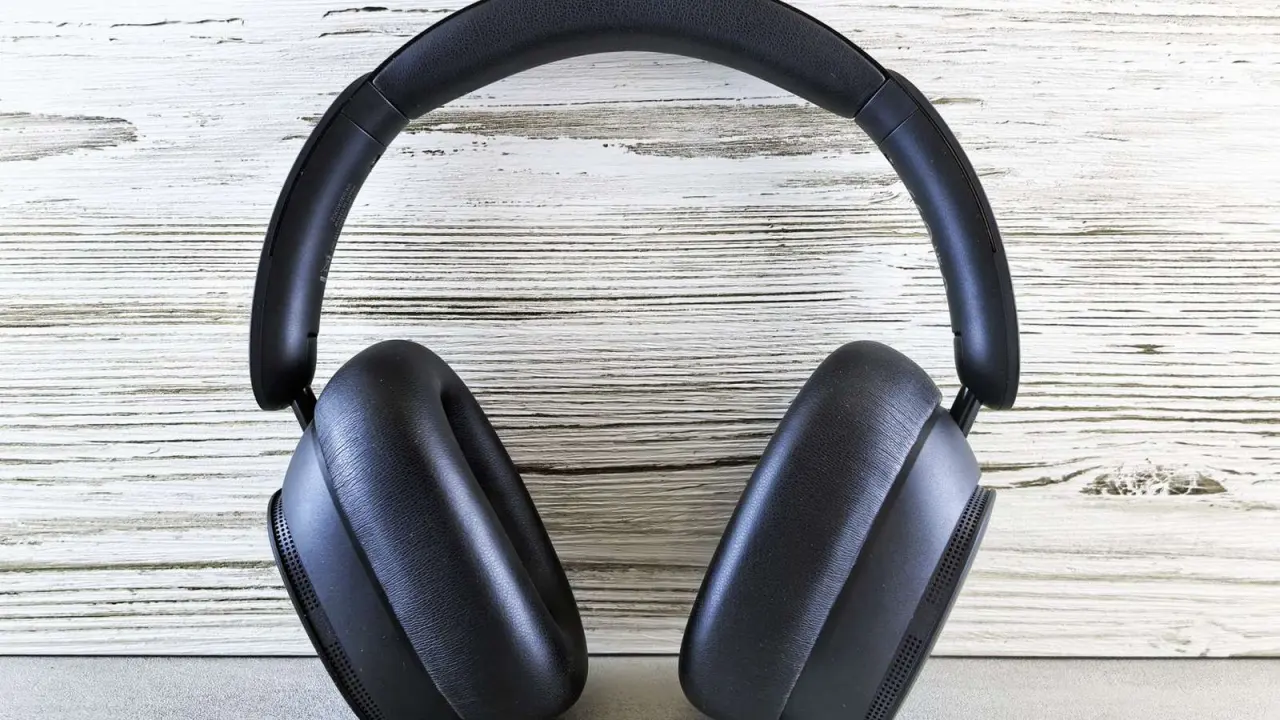
Picking headphones for VR can feel like guesswork when your phone, headset and audio all have to cooperate. The short answer: any wired or Bluetooth pair gives you basic spatial sound, but head tracking needs a headset with a sensor.
If you are building a wider kit, start with our overview of vr gadgets for smartphones.
| Item | Value |
|---|---|
| Android spatial audio APIs | Introduced in Android 13 |
| Spatializer class | Introduced in Android 12 |
| Static spatial audio | Works with all wired and wireless headsets |
| Dynamic (head-tracked) spatial audio | Needs a headset with a head-tracking sensor |
| Plain stereo | 2 fixed channels |
The figures above come from the Android Open Source Project spatial audio page and an Avantree knowledge-base post. They can change, so check the sources before you rely on them.
What spatial sound adds to VR headphones
In plain stereo, sound lives on two fixed channels, left and right. Spatial systems instead place sounds anywhere in 360° space using metadata coordinates, as an Avantree knowledge-base post from July 2025 explains.
The same post says spatial audio combines dynamic head tracking with object-based formats such as Dolby Atmos, so sounds keep fixed positions relative to the listener. Treat it as a vendor explainer rather than a lab test, since Avantree sells headphones.
For VR, the practical meaning is simple: a footstep behind you can stay behind you as you turn your head. That effect depends on both your phone software and your headphones, which the next sections break down.
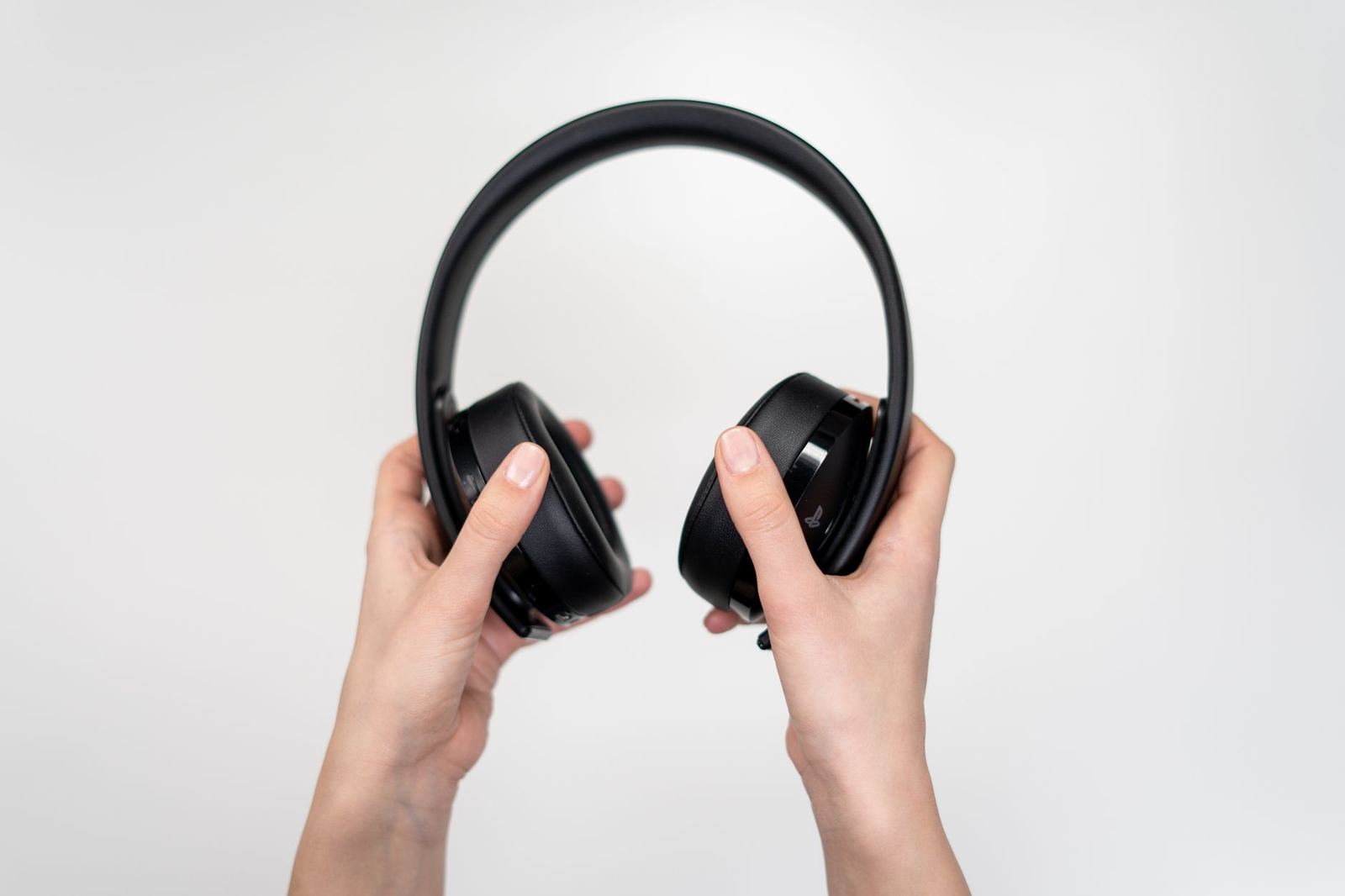
Static or dynamic: what your headphones must do
The Android documentation describes two modes. Static spatial audio does not need head tracking, so the headset has to do nothing special.
- Static mode: the Android Open Source Project page says all wired and wireless headsets can support it.
- Dynamic mode: the same page applies to phones running Android 13 and higher paired with compatible headsets that have a head-tracking sensor.
- Phone side: phone makers must implement the Spatializer class, which was introduced in Android 12.
That page also explains that a HID protocol specifies how a head-tracking device attaches over Bluetooth and shows up through the Android sensor framework. It is written for phone makers, so use it as background rather than a buying checklist.
Be careful with labels. Avantree says generic Bluetooth headphones lack head-tracking sensors, and it warns that some brands use the term “spatial audio” for basic surround upmixing, so verify head tracking before you pay for it (Avantree, July 2025).
Does wired or Bluetooth matter?
For static spatial sound, the Android page says wired and wireless headsets can both work. If you only want a stable, simple setup, a wired pair is a reasonable starting point.
Bluetooth adds a codec question. Avantree warns that virtual spatialization degrades significantly with low-quality Bluetooth codecs like SBC, so check which codecs a pair and your phone share.
The Android page also says that for Android 13 it expects many phone makers to use Bluetooth classic and custom implementations with tight coupling between the bud and the phone to achieve low-latency spatial audio. In practice, that means a phone maker’s own earbuds may support head tracking more smoothly than a random pair.
One more vendor claim to weigh: Avantree says spatial audio drains battery 25% faster because of constant sensor data transmission (Avantree, July 2025). It is unverified, so watch your own battery during a long session.
How to check a pair before you buy
- Confirm your phone runs Android 13 or higher if you want the Android spatial audio APIs.
- Decide whether you need static sound only or head-tracked dynamic sound.
- For dynamic sound, find the head-tracking sensor on the spec sheet instead of trusting the box label.
- For Bluetooth, look for a codec better than SBC and test that the sound lines up with the picture.
- Try a session in your usual posture, because Avantree suggests turning off Atmos while lying down, as supine positions confuse head-tracking algorithms.
Keep notes on what you hear in a familiar scene. A repeatable test makes it easier to compare two pairs fairly.
Pairing audio with the rest of your headset
Good sound works best alongside clear visuals, so it helps to understand vr headset lens types before you upgrade any single part of your kit.
Once the audio sounds right, keep the picture sharp too. Our guide on how to clean vr headset lenses covers that side of the experience.
Frequently asked questions
Do I need special headphones for VR?
Show answer
Not for static spatial audio, since the Android Open Source Project page says all wired and wireless headsets can support it. For head-tracked sound you need a compatible headset with a head-tracking sensor.
Do wired headphones work with spatial audio?
Show answer
Yes for static mode, according to the Android page. Dynamic mode still depends on a head-tracking sensor in the headset.
Does the Bluetooth codec matter?
Show answer
Avantree says virtual spatialization degrades significantly with low-quality codecs like SBC. Check which codecs your phone and headphones support before you buy.
Does spatial audio use more battery?
Show answer
Avantree claims a 25% faster drain because of constant sensor data transmission. That is a vendor figure, so test it on your own devices.