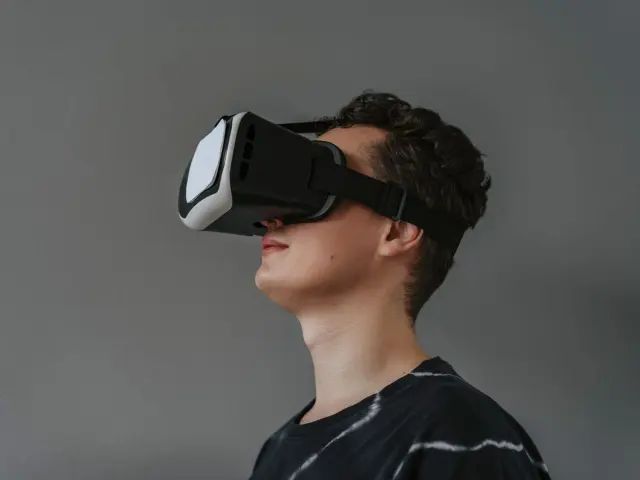
If you’re sorting through vr gadgets for smartphones, start with a viewer that holds your phone and fits its screen. Everything else, from controllers to headphones, is an optional extra you can add later.
| Item | Value |
|---|---|
| Google Cardboard first released | June 25, 2014 |
| Cardboard viewers shipped by November 2019 | Over 15 million |
| Largest phone screen, first Cardboard design | Up to 5.7 inches |
| Largest phone screen, updated 2015 design | Up to 6 inches |
| Basic Cardboard-style kits, December 2014 | $15 to $22 |
| Pre-assembled kits based on Google’s plans | Less than US$5 |
Figures come from Wikipedia’s Google Cardboard article and a December 2014 LinuxGizmos report. Prices, availability and compatibility change, so check the source before you rely on them.
What counts as a VR gadget for your phone?
A phone-based setup has one core piece, the viewer, plus a short list of extras. The phone does the heavy lifting: as the VR & AR Wiki puts it for Google’s Daydream View, the phone supplies the display, the processing and the head tracking.
Most gadgets fall into one of these groups:
- Viewers that hold the phone in front of two lenses.
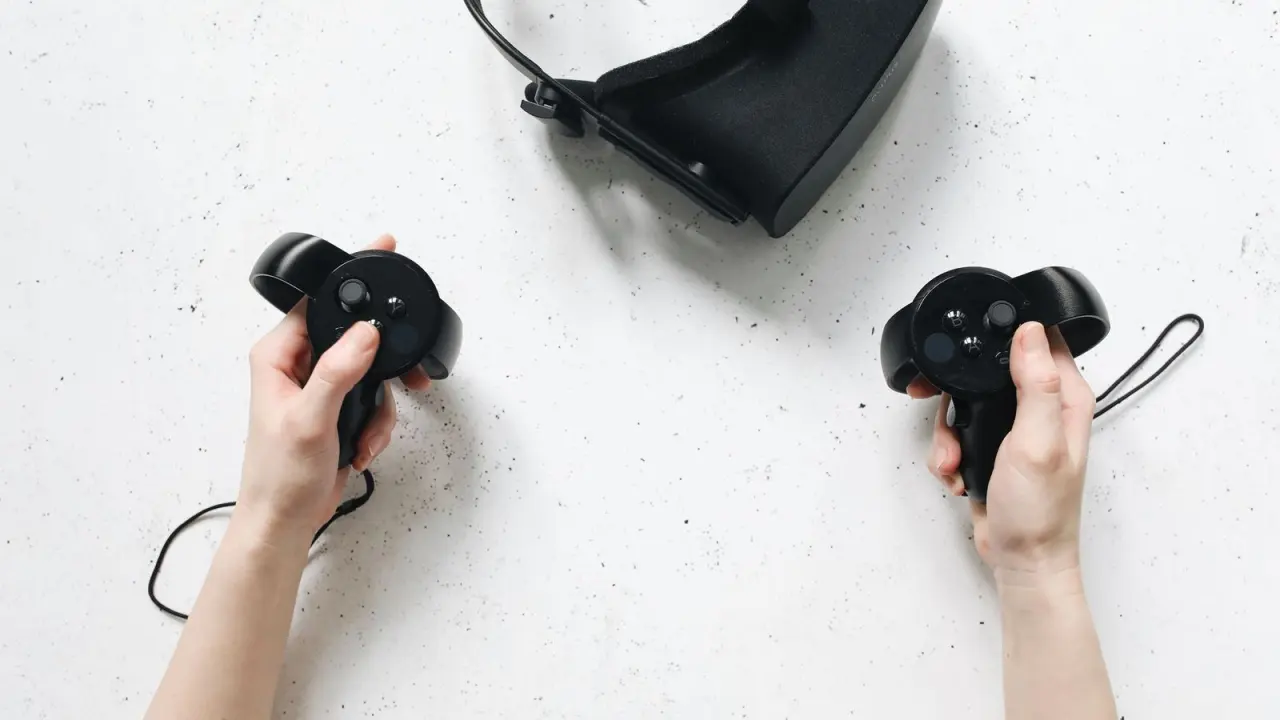
- Input devices, such as a built-in button or a Bluetooth controller.
- Audio gear for sound that follows your head.
- Comfort and care items, such as straps and lens cleaning supplies.
The catch is compatibility, not price. Before you buy anything, read the guide to smartphone virtual reality for the wider picture, and see the best smartphones for vr to judge whether your handset is a good match.
Viewers: the gadget everything else depends on
Google Cardboard set the template for the category. It launched on June 25, 2014, and by November 2019 over 15 million viewer units had shipped, according to Wikipedia.
A basic viewer is made of very few parts. The same Wikipedia article lists them:
- A piece of cardboard cut into a precise shape.
- Lenses with a 45 mm focal length.
- Magnets or capacitive tape.
- A hook and loop fastener, such as Velcro.
- A rubber band.
- An optional near field communication (NFC) tag.
Phone size is the first thing to check. Per Wikipedia, the first Cardboard version fit screens up to 5.7 inches, while the updated design released at Google I/O 2015 works with phones up to 6 inches. A viewer that is too small for your phone will not hold it properly.
Cost varies widely. A LinuxGizmos report dated Dec 11, 2014 said basic kits ranged from $15 to $22, and it listed premium variations that reached $45. Wikipedia says pre-assembled kits based on Google’s plans are available for less than US$5 from multiple vendors.

Google’s Cardboard developer page says Cardboard supports Android versions 4.1 or higher and iOS versions 8.0 or higher. It also warns that not all viewers work with every phone, so check the viewer’s website for your model.
If you are choosing between designs, work through how to choose a phone vr headset before you pay. If you would rather build your own, diy cardboard vr headset covers that route.
Controllers and input
A viewer needs some way to let you select things. Google’s manufacturer help page sorts viewer inputs into four types, and the list is a handy way to read a product description:
- NONE: no inputs, or a separate Bluetooth controller and no other built-in inputs.
- TOUCH: no inputs, but you can touch the phone screen without removing the phone.
- INDIRECT_TOUCH: a mechanical input that registers as a screen touch, without your finger touching the screen directly.
- MAGNET: a Cardboard-like magnetic input.
Magnets are the one to be wary of. Google’s manufacturer page says it no longer recommends magnet-based inputs because they tend to work less reliably than conductive or capacitive inputs, due to magnetometer variance within smartphones. Wikipedia notes the first Cardboard used magnets as input buttons, and the 2015 update replaced the magnet switch with a conductive lever.
A separate controller is the other route. Google’s developer page describes Cardboard viewers as supporting one-button input and gaze-based UI, so many apps work without extra hardware. If you want more control, see bluetooth controller for phone vr for how pairing and compatibility work.
Audio, straps and comfort
Sound makes a large difference to immersion. In January 2016, Google announced that its software development kits would support spatial audio, an effect meant to simulate sound coming from anywhere in space around the listener, as Wikipedia records.
For a phone headset, audio normally comes from the phone speaker or headphones connected to the phone. The VR & AR Wiki lists exactly that for the Daydream View. Our page on headphones for vr explains what to look for.
Head straps are the main comfort gadget. The 2014 kit listed by LinuxGizmos had a forehead strip and an optional head strap sold as an add-on. Google’s second-generation Daydream View added a top strap, per the VR & AR Wiki.
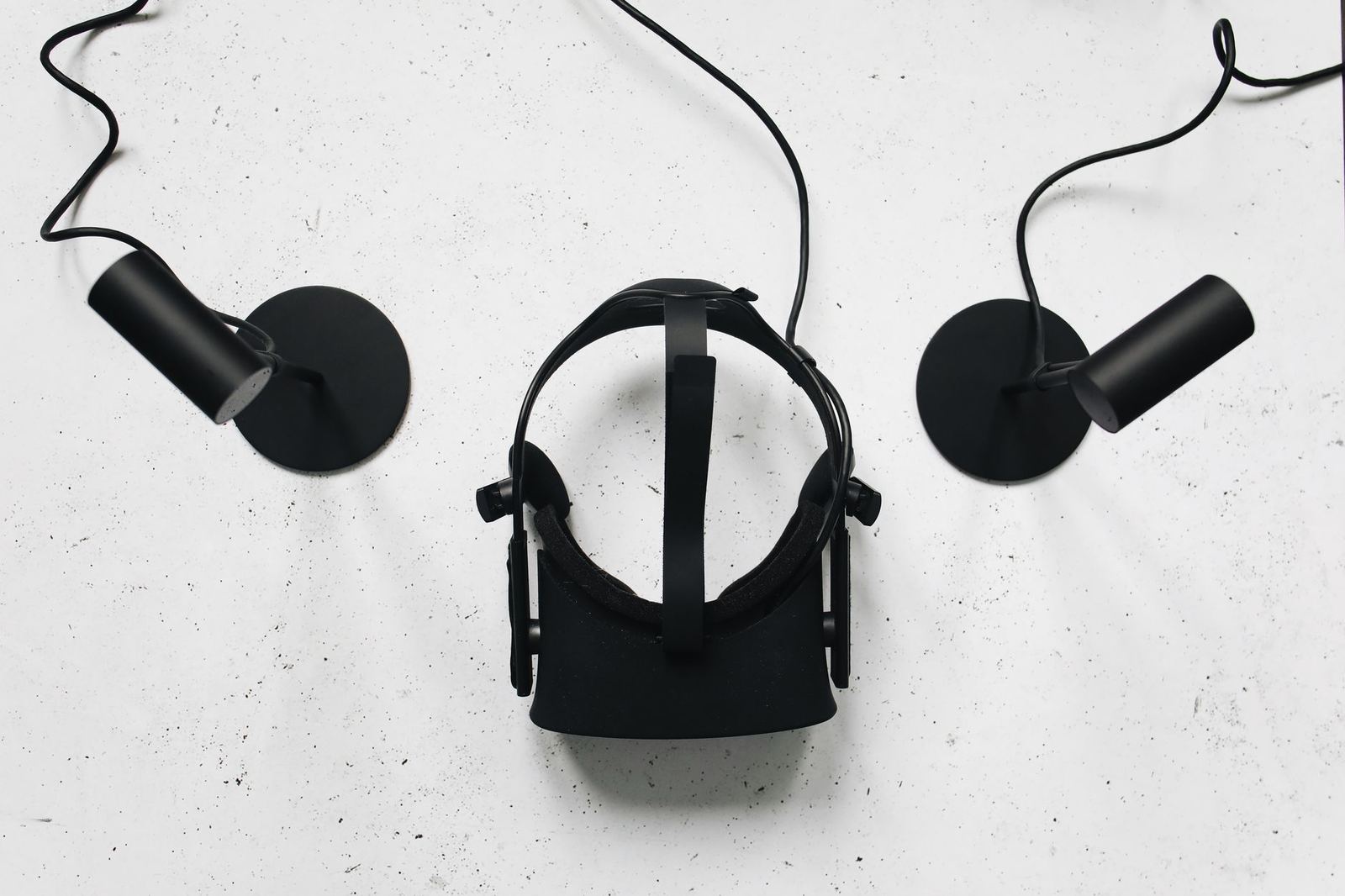
Weight matters when the headset is carrying your phone. The same wiki lists the Daydream View at 220 g for the first generation and 261 g for the second, both without a phone.
Lenses, IPD and glasses
The lenses are the part you actually look through. Wikipedia explains that a Cardboard-compatible app splits the phone image in two, one for each eye, and applies barrel distortion to counter the pincushion distortion from the lenses. That is why a headset needs to match its app’s settings.
Google lets makers describe their viewers through a profile with a QR code. Its manufacturer help page lists creating a viewer profile and generating a QR code as one of five basic steps for designing a viewer. If you want to know how the optics differ, vr headset lens types compares them.
Fit is the other part of sharp images. How to adjust ipd on vr headset explains lining the lenses up with your eyes. If you wear spectacles, read vr headset for glasses wearers; Google said the first-generation Daydream View was designed to fit over eyeglasses, according to the VR & AR Wiki.
Finally, keep the lenses clean. How to clean vr headset lenses covers safe habits so you do not scratch them.
Older gear: Daydream View and the Gear VR
Some phone VR gadgets you will see second-hand no longer have software or sales support. The VR & AR Wiki says Google released the first-generation Daydream View on 10 November 2016 for US$79, and the second generation followed on 19 October 2017 at US$99.
The same page says Google stopped selling the headset on 15 October 2019 and ended Daydream software support with Android 11 in 2020. That is a reason to be careful with used listings.
The headset itself was simple, and the wiki’s specification gives these details:
- The headset has no battery.
- An NFC tag lets the phone detect it automatically.
- It requires a Daydream-ready smartphone.
- Its controller has a 220 mAh battery (2017 specification) and lasts up to 12 hours by Google’s figure.

Phone-specific headsets were also common. As of the December 2014 LinuxGizmos report, the Samsung Gear VR required a Galaxy Note 4, while Cardboard supported a wider range of phones. That trade-off, a polished headset for one phone versus a simple viewer for many, still shapes how you shop today.
Frequently asked questions
Do I need a controller for phone VR?
Show answer
Not always. A basic viewer with a built-in button or touch input is enough for many apps, and a separate controller is an upgrade you can add if an app calls for it.
Will any viewer work with any phone?
Show answer
No. Google’s developer page says not all viewers work with every phone, and that a device incompatible message may mean your phone has no gyroscope. Check the viewer’s website for your model first.
Is Google Cardboard still sold?
Show answer
According to Wikipedia, the Google Store stopped selling Cardboard viewers in March 2021. As of November 2021, third-party companies continued to sell compatible viewers, so check the seller’s own listing for current stock.
Do Cardboard viewers work with an iPhone?
Show answer
Google’s developer page, last updated 2024-10-09, says Cardboard supports iOS versions 8.0 or higher as well as Android. Confirm that your specific viewer lists your phone before you buy, using the Cardboard overview.