Does VR feel blurry or leave you with a headache? Here is how to adjust ipd on vr headset lenses: measure the gap between your pupils, then set the lenses to match.
This page sits inside the wider guide to vr gadgets for smartphones, which covers the gear around your headset.
| Item | Value |
|---|---|
| Average IPD | About 63mm |
| Typical IPD range | 55mm to 72mm (or higher) |
| Quest 3S preset 1 | 58mm |
| Quest 3S preset 2 (default) | 63mm |
| Quest 3S preset 3 | 68mm |
| Quest Pro adjustment | Per-millimeter, set by hand |
These figures come from Android Central’s Quest 3S guide and its Quest Pro explainer. Headset specs and software can change, so check the source before you rely on them.
What is IPD and why does it matter?
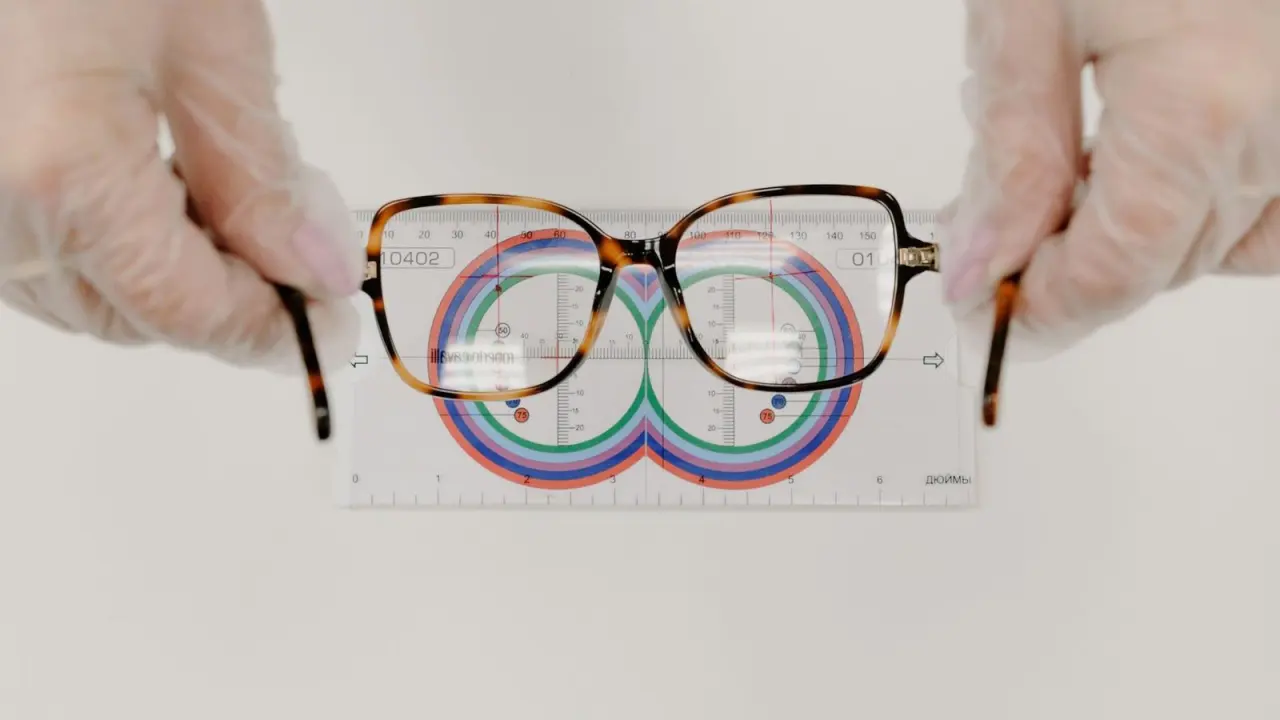
IPD, short for interpupillary distance, measures how far apart your eyes are. It is common in the world of eyeglasses, and it matters just as much in VR, because you only see the virtual world by looking through the lenses.
When the spacing is set incorrectly, it can cause nausea, headaches and dizziness. It can also make it harder to judge distances, for example when slicing blocks accurately in Beat Saber, because your brain can’t work out the proper distance between objects.
Android Central’s October 2022 Quest Pro explainer compares a wrong setting to watching TV with your eyes crossed for a long time. That is a useful picture of what your eyes are being asked to do.
How to measure your IPD at home
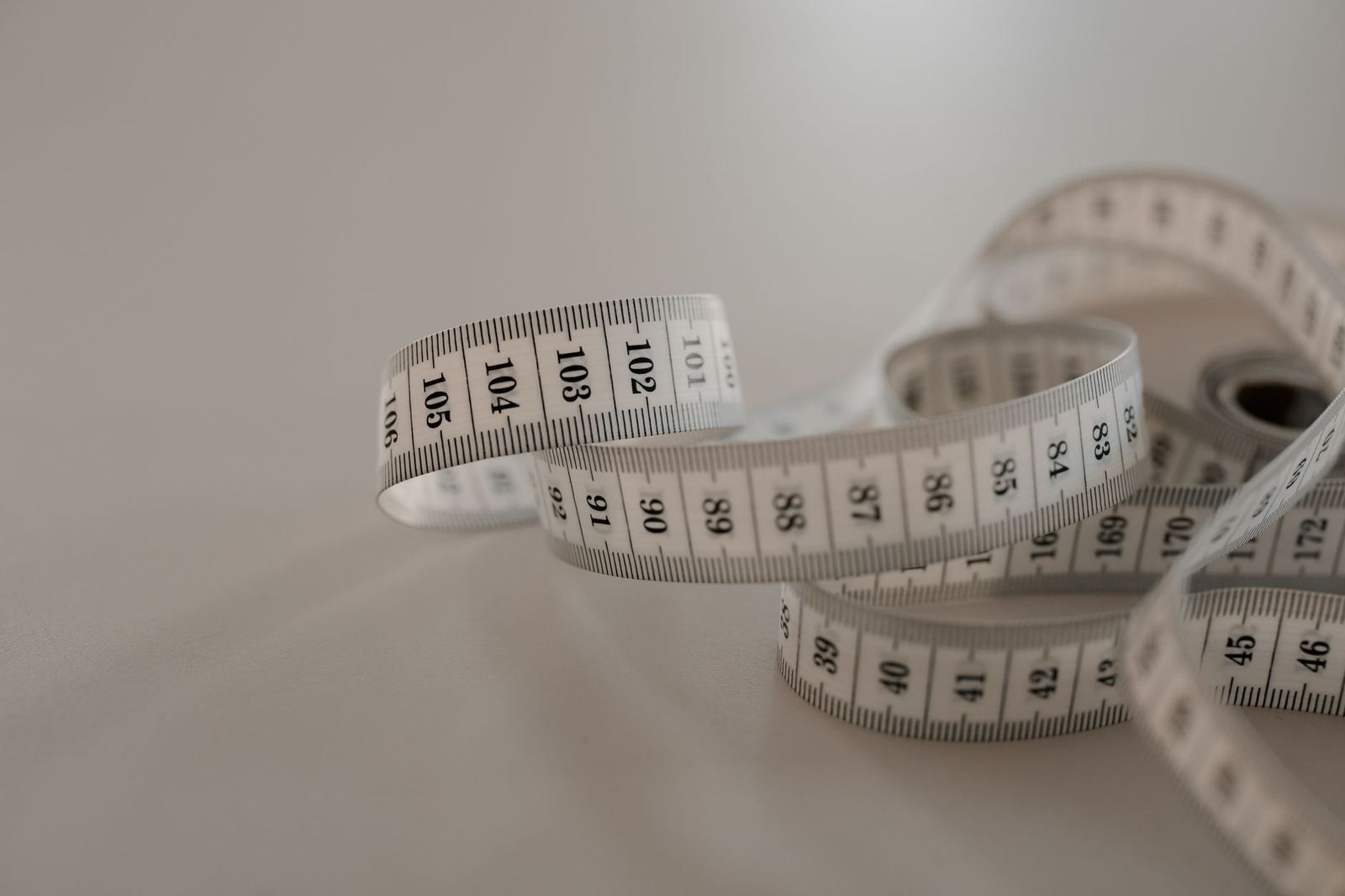
You need a ruler with millimeter markings and a mirror. A hard ruler is better than a flimsy tape measure, which makes accuracy harder to guarantee.
- Stand in front of the mirror and close your left eye.
- Look straight into the mirror at your right eye, using your right eye.
- Hold the ruler just below your eye and center the zero marker on your right pupil.
- Close your right eye and open your left eye, without moving the ruler.
- Look straight into the mirror and note the millimeter mark that lines up with the center of your left pupil.
That last number is your IPD. In Android Central’s guide, the average sits around 63mm, but it can range between 55mm and 72mm (or higher) depending on the person.
Write your number down before you pick the headset up, and measure a couple of times if the readings differ a little.
Setting the lenses on a Meta Quest 3S
Meta’s headsets have no dial or app slider for this. You set IPD by physically sliding the lenses closer together or further apart with your hands.
As of Android Central’s October 2024 guide, the Meta Quest 3S has three presets:
- Preset 1: 58mm
- Preset 2: 63mm, the default it ships with, which covers the average IPD
- Preset 3: 68mm
The same guide says these steps also work for a Meta Quest 2. Match your measured number to the closest preset, put the headset on, and check that text looks sharp across the whole view.
Quest Pro: per-millimeter adjustment by hand
As of Android Central’s October 2022 explainer, the Meta Quest Pro does not automatically measure IPD, even though it has eye-tracking. You still measure your own IPD and slide the lenses to the right value.
The difference from the Quest 2 is that the Quest Pro supports per-millimeter adjustment. You smoothly slide the lenses along the horizontal axis until you reach your value, shown on-screen by a virtual measuring stick. That makes it easier to land on your exact number than choosing between fixed presets.
What if your number falls between settings?
Many people will not match a preset exactly. These habits help you settle on a setting that feels right:
- Start with the nearest preset to your measured number.
- Judge sharpness by eye: small text and the edges of the view should look clear.
- Measure again if the view still looks off, since a slightly tilted head or ruler can skew a reading.
- Stop and rest if you feel dizzy or nauseous, rather than pushing through.
Treat your measurement as a starting point. Your own comfort in the headset is the final check.
Phone headsets and other designs
Smartphone headsets handle lens spacing in different ways, and some give you little or no adjustment. Look at the instructions for your model before you assume the lenses move.
If you build your own, a diy cardboard vr headset may let you choose lens positions during construction, so your measured IPD is worth having on hand. Once the view is sharp, a bluetooth controller for phone vr is a sensible next upgrade to look at.
Frequently asked questions
Does the Meta Quest Pro measure IPD automatically?
Show answer
No. Android Central’s Quest Pro explainer says you have to measure your IPD yourself and then slide the lenses by hand.
What is a normal IPD?
Show answer
The average sits around 63mm, but it can range between 55mm and 72mm (or higher), according to Android Central.
Which IPD preset does the Quest 3S start on?
Show answer
As of Android Central’s October 2024 guide, it ships at preset 2, which is 63mm and covers the average IPD.
What do I need to measure my IPD?
Show answer
Stand at a mirror with a hard ruler marked in millimeters; the steps are in the measuring section above. A soft tape measure is harder to keep accurate.